Electromagnetic Joystick for PS5, PS4, Xbox, Switch - Anti-Drift 3D Analog ThumbStick


Electromagnetic Joystick for PS5, PS4, Xbox, Switch - Anti-Drift 3D Analog ThumbStick
🛡️ We are an official K-Silver authorized dealer. All items sold are 100% authentic and backed by complete after-sales service.
🔥 "Original K-SILVER TMR Sensor | 0% Deadzone | 10M+ Lifespan | Shipping Global"
- TMR Technology:Advanced Tunneling Magneto Resistive (TMR) technology is utilized to provide better performance and lower power consumption, ensuring precise control and longer life.
- Ultra-low power consumption: Adopting customized low-power TMR chip, the power consumption of a single chip is as low as 200μA, with zero jitter and delay of the joystick for quicker response.
- HIGH RESOLUTION: With extremely high resolution, it ensures that every subtle operation is accurately communicated.
- Linear Response: The output voltage produces a linear response within the specified range, with precise operation and true feedback.
- HIGH DURABILITY: Rigorously tested to ensure stability in a variety of extreme conditions.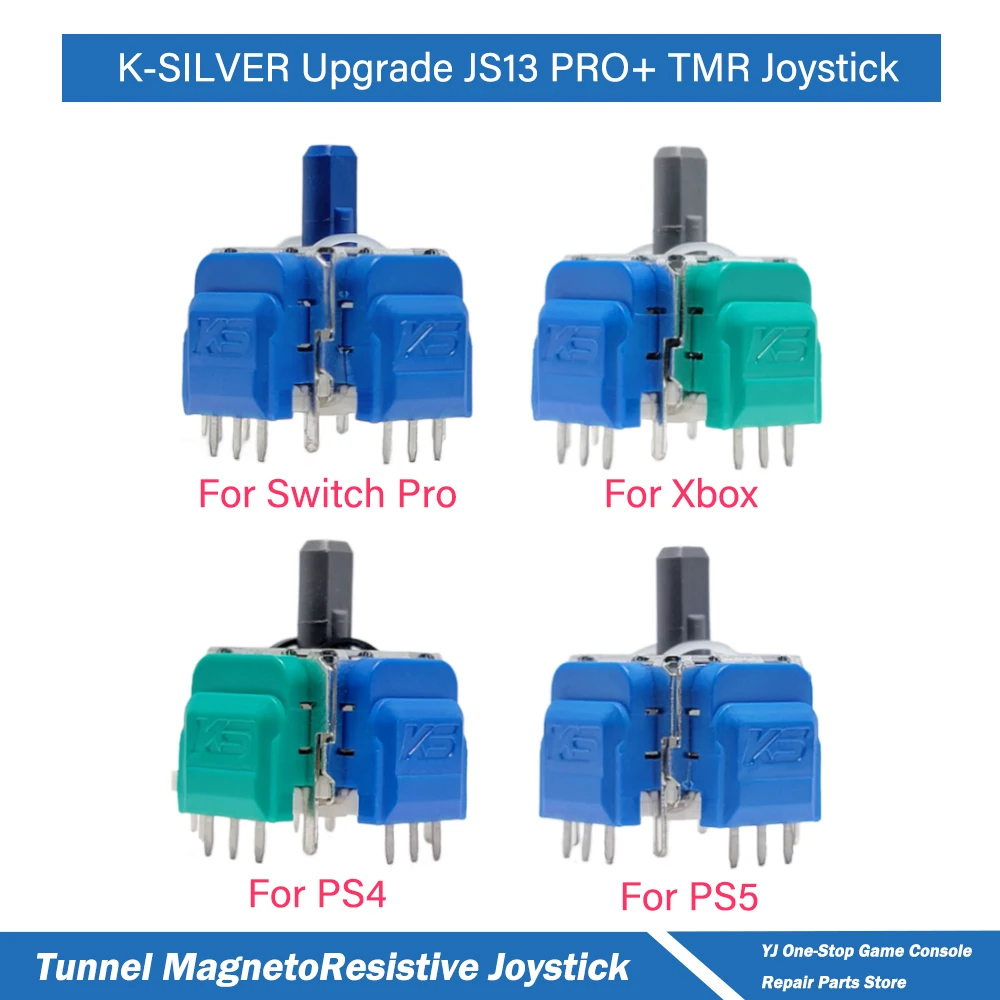
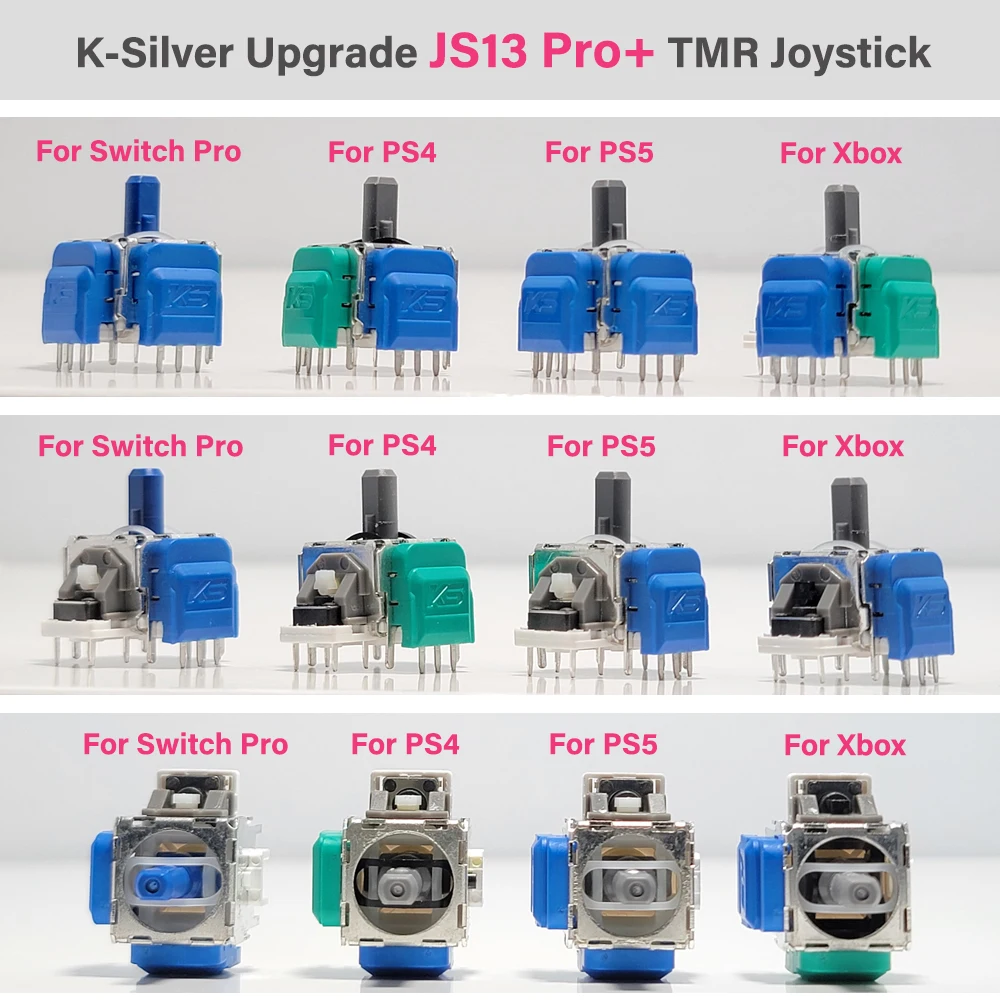
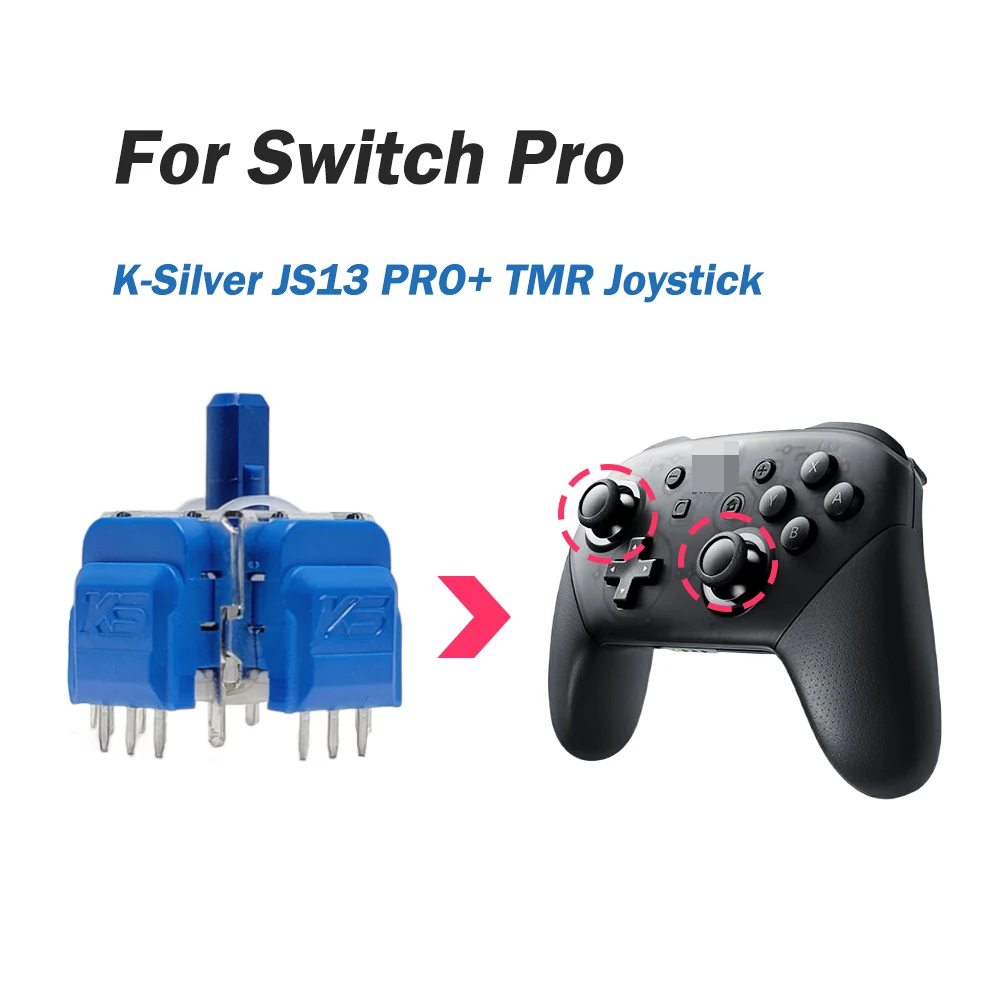
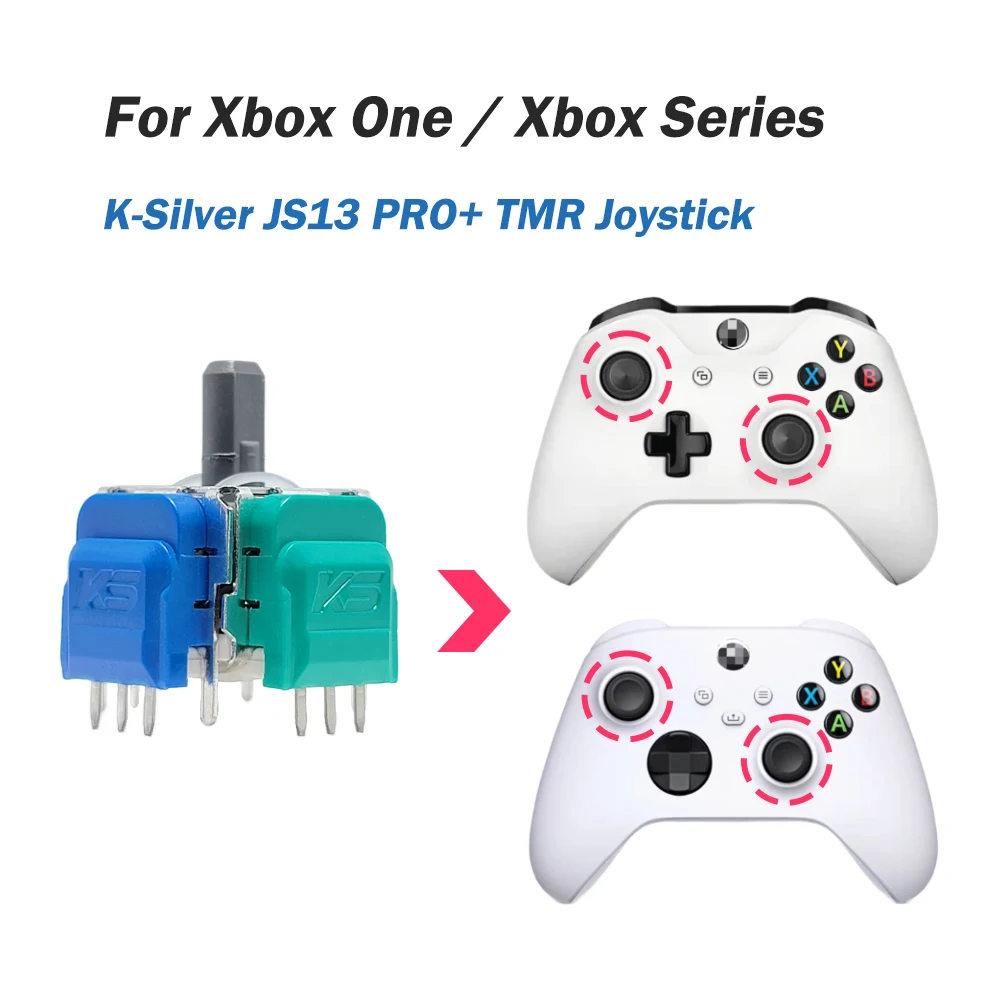
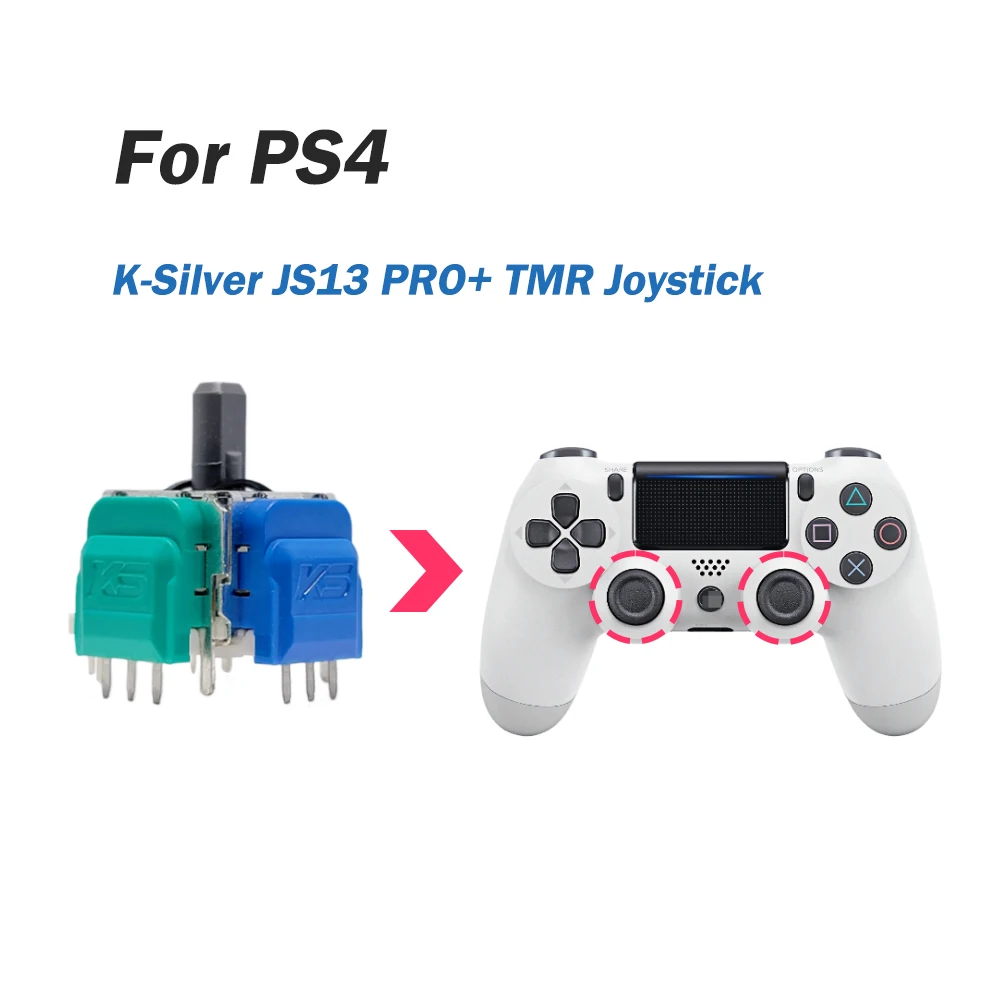
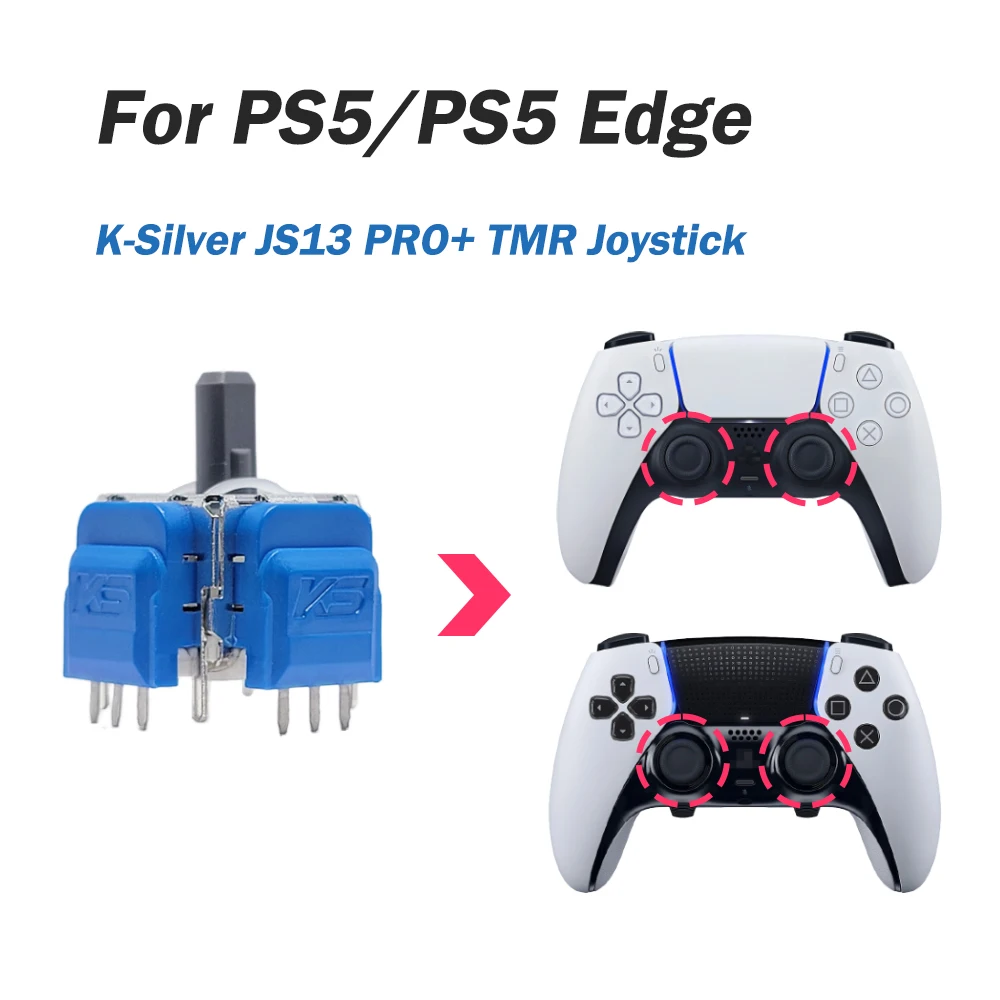

❗ Why Choose TMR Magnetic Sensor Over ALPS Joystick?
✅ Precision: 0.1° TMR Angle Resolution (ALPS: 5° Potentiometer Jitter)
✅ Durability: 10 Million Rotations (5× ALPS Lifespan)
✅ Zero Drift: Hall Effect Auto-Calibration, No Stick Drift!
📹Installation: 3-Minute Swap with Screwdriver, 6-Step Installation: 💡About Joystick Calibration: