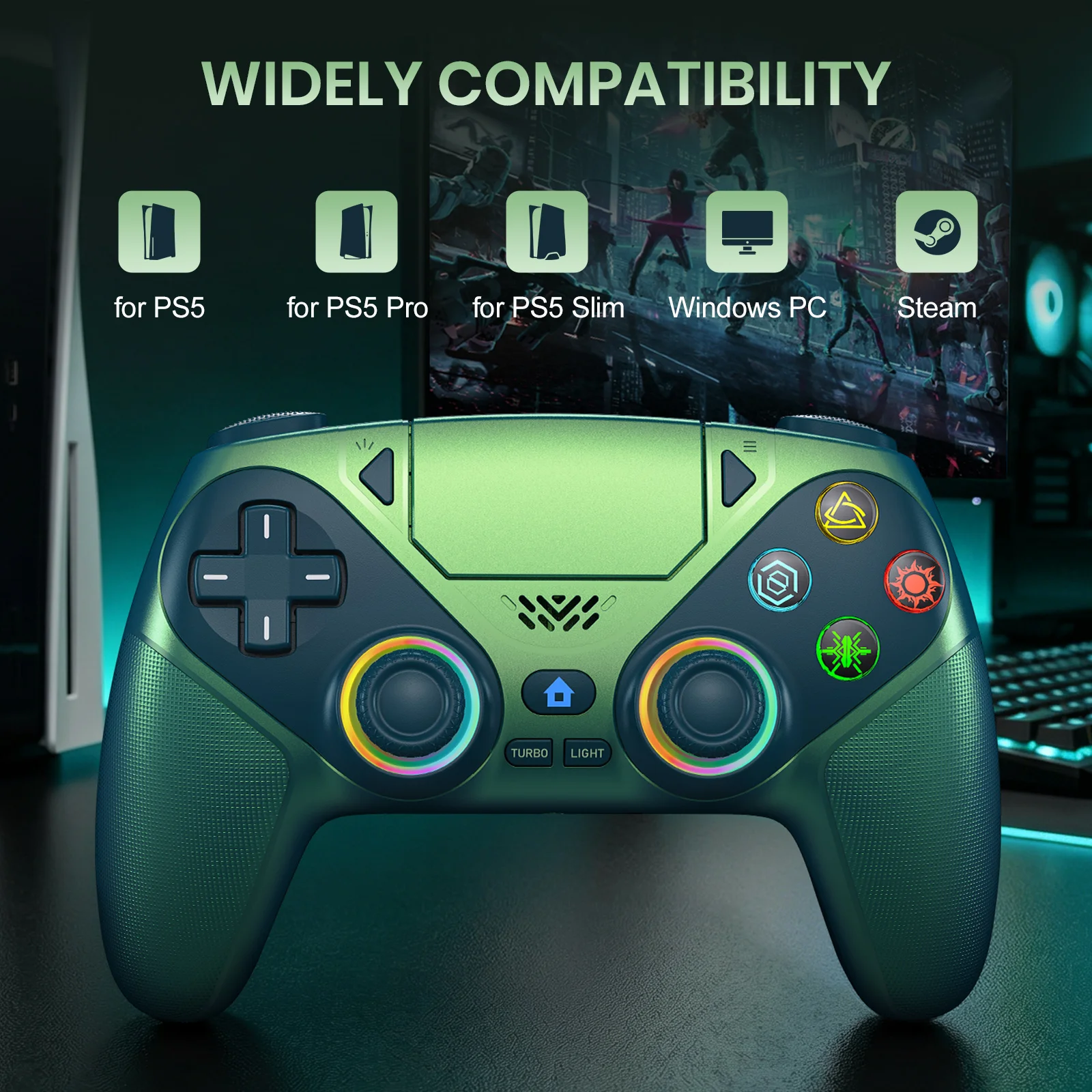
Wireless PS5 Controller with RGB Lighting, Turbo, Vibration & Custom Back Buttons


Wireless PS5 Controller with RGB Lighting, Turbo, Vibration & Custom Back Buttons
The sales volume exceeds1,000orders in a week, and the number of visitors exceeds50,000.The store manager recommends items

Product details
About the connection of PS5 console:
1. When the controller is connected to the current PS-5 Console for the first time, first use the USB cable to connect to the PS-5 Console. After the RGB channel light is always on, press the home button and unplug the USB cable to realize the wireless Bluetooth connection.
2. Subsequent use no longer needs to use a USB cable, just press the home button.
(For the connection method of other devices, please refer to the manual)
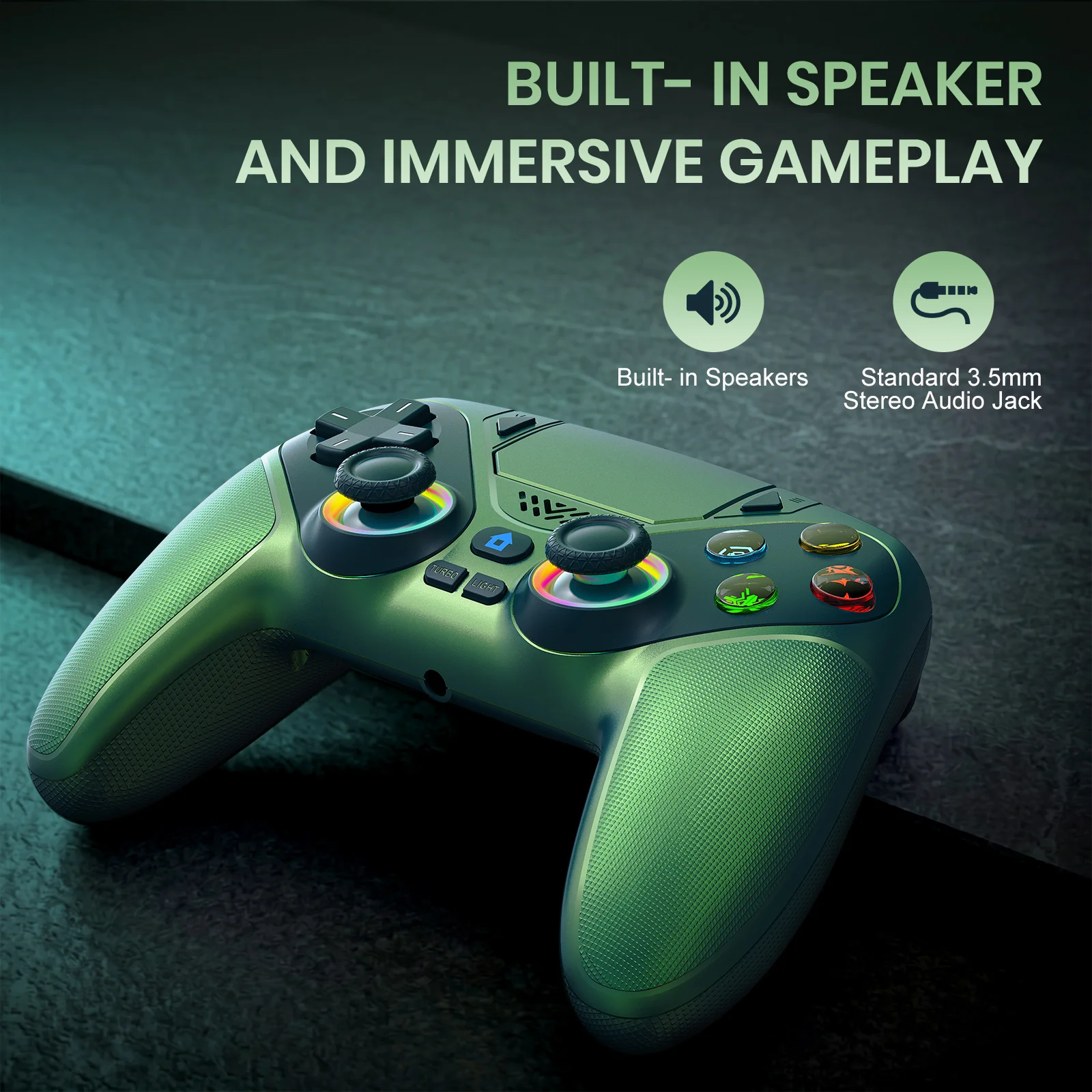
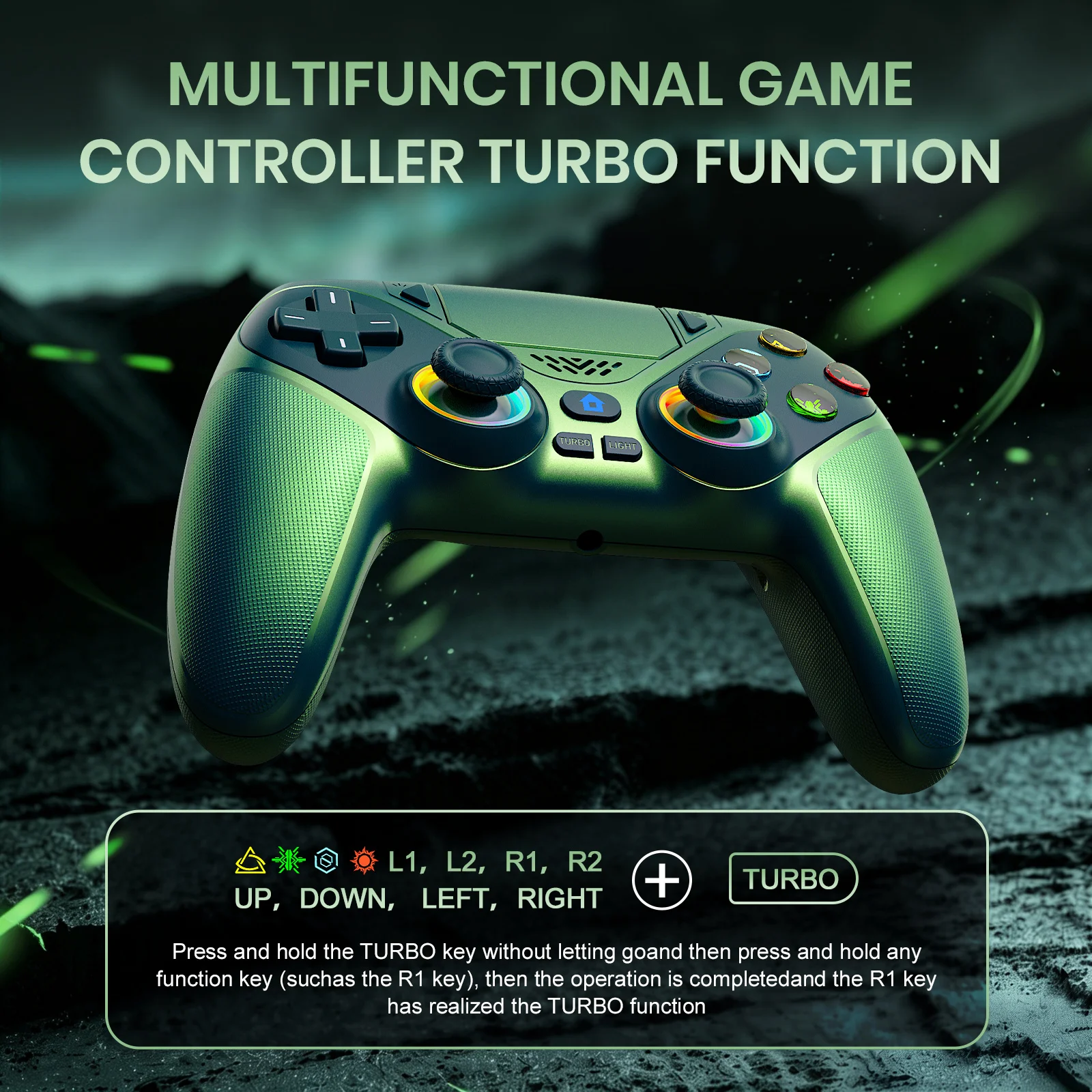
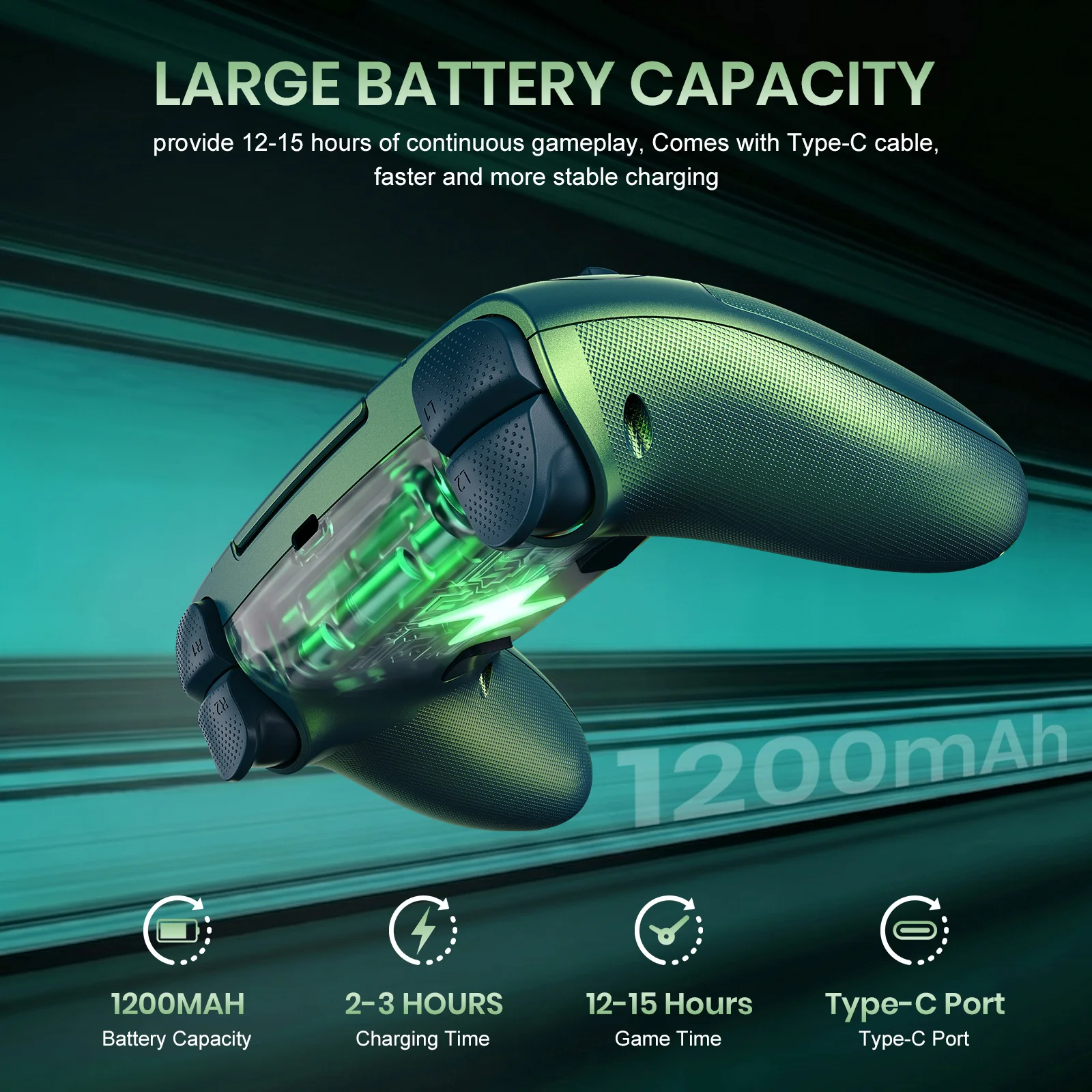
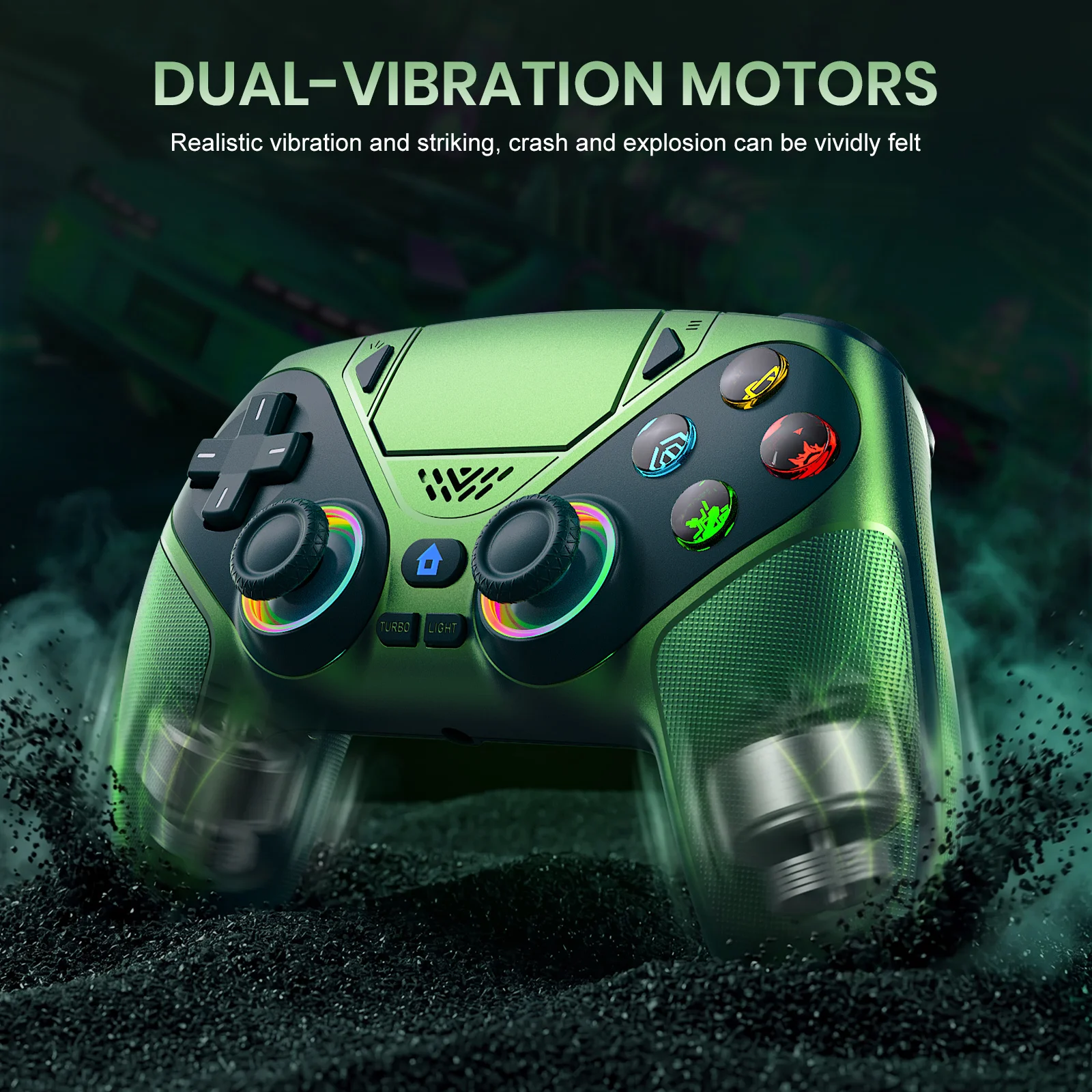
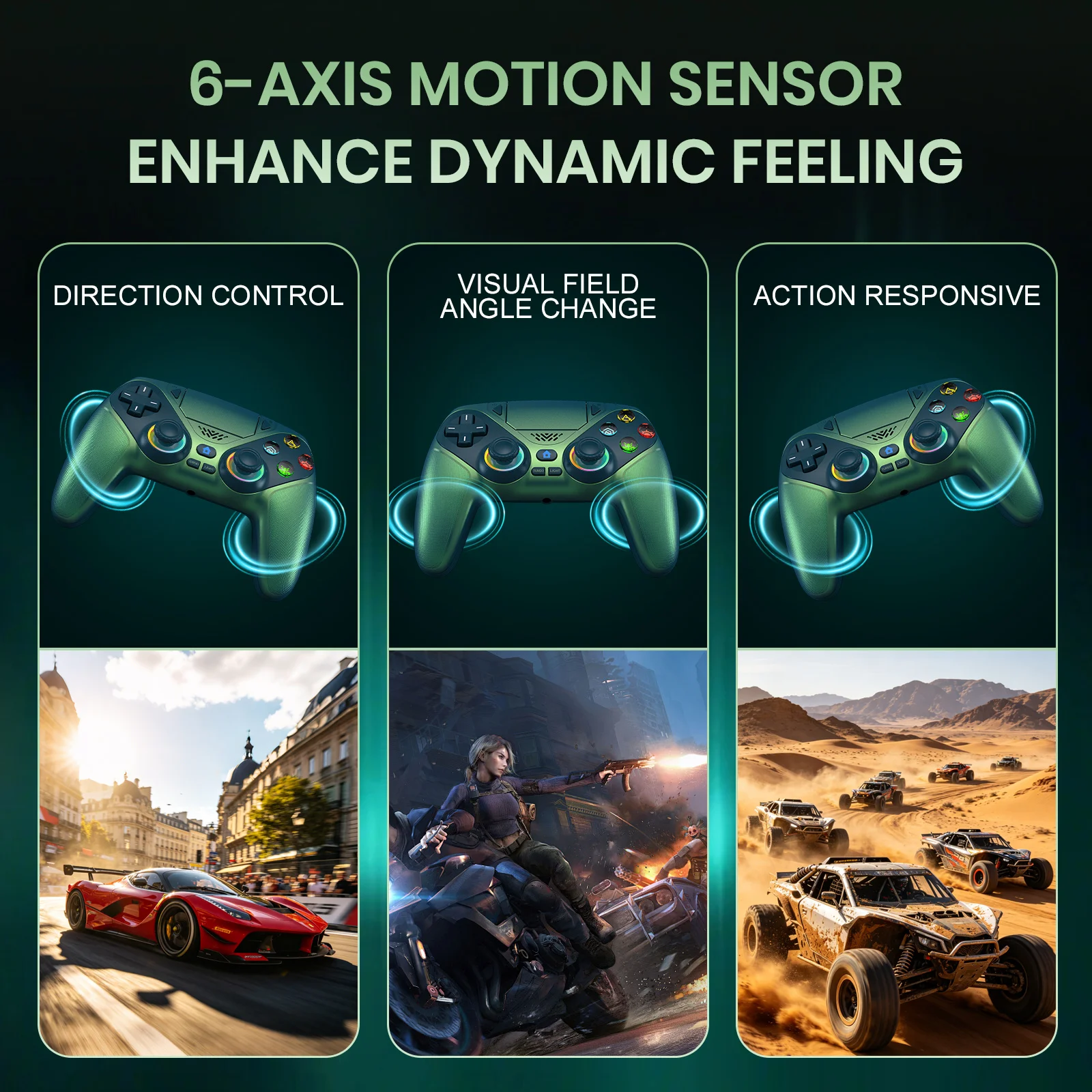
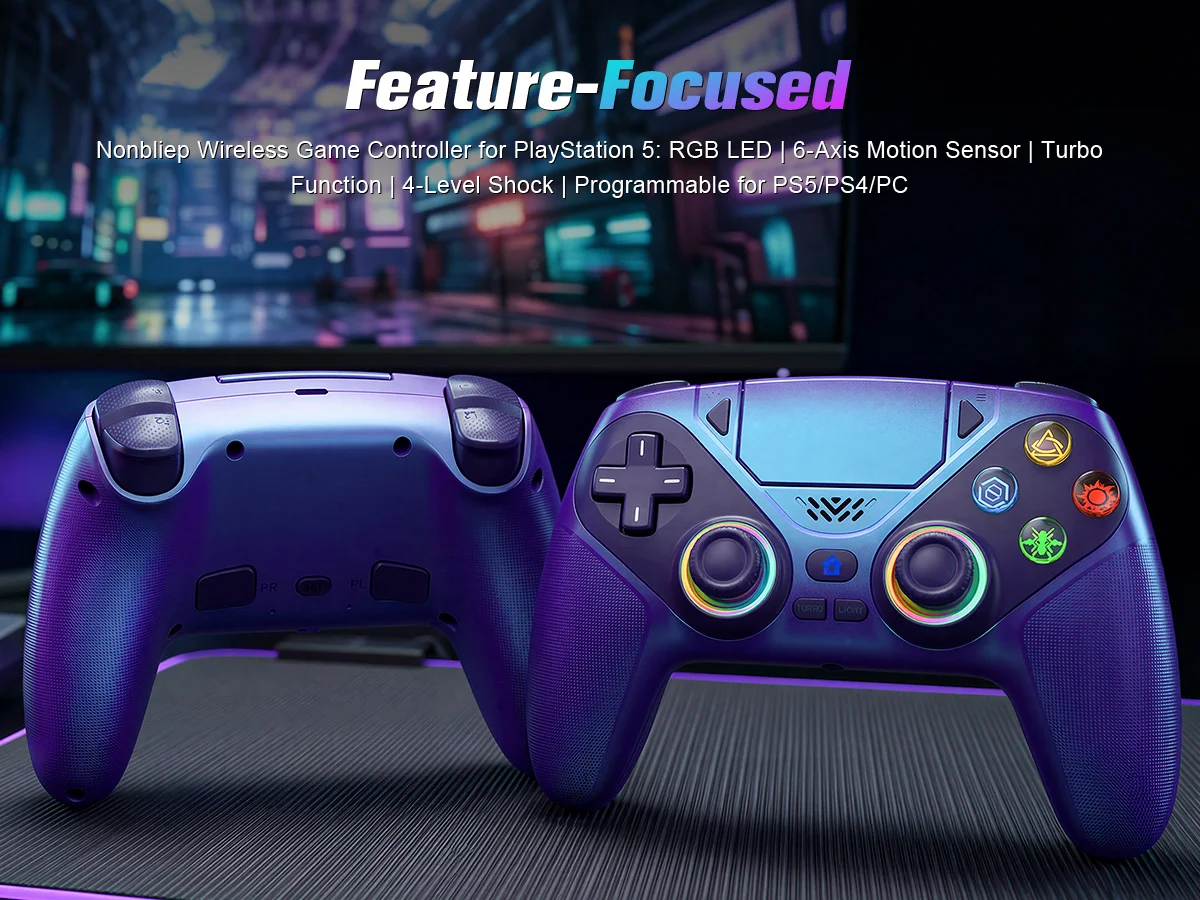
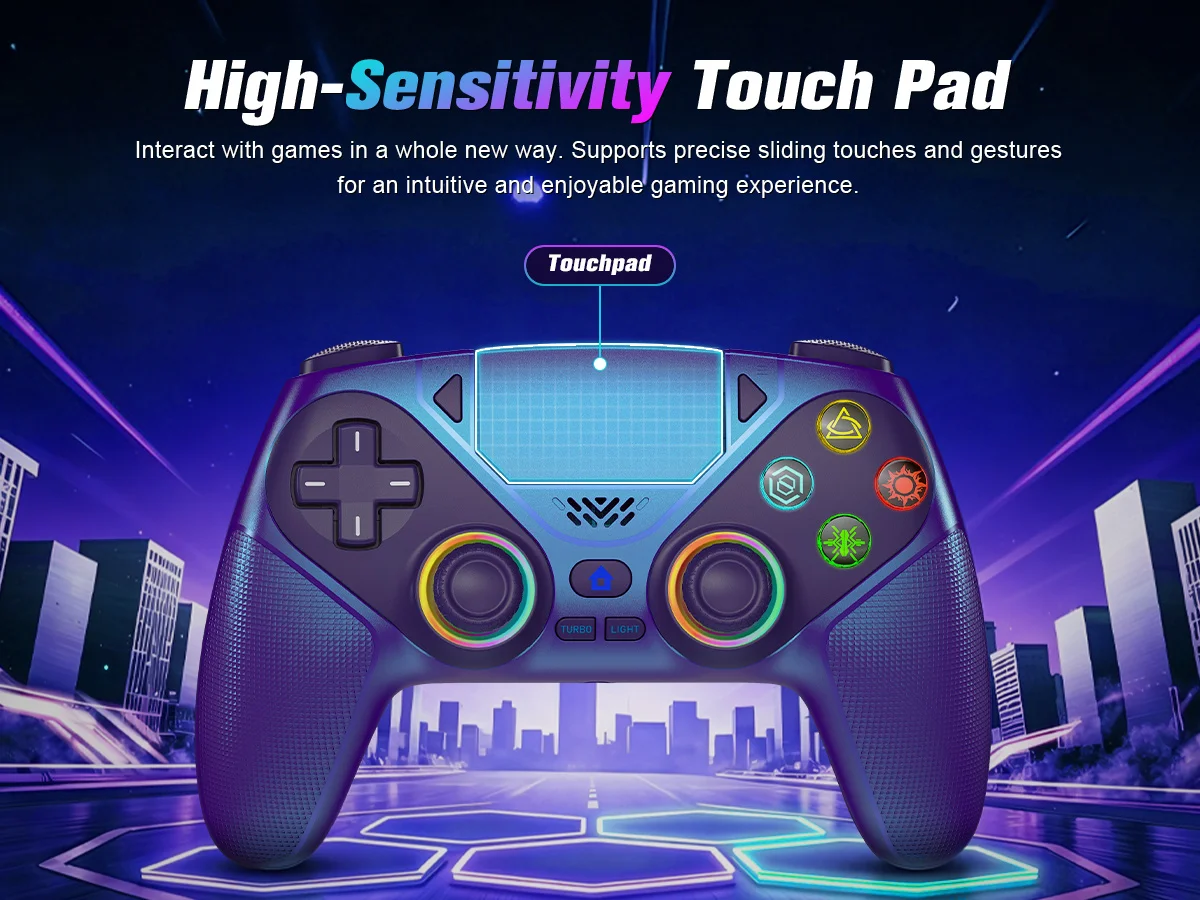
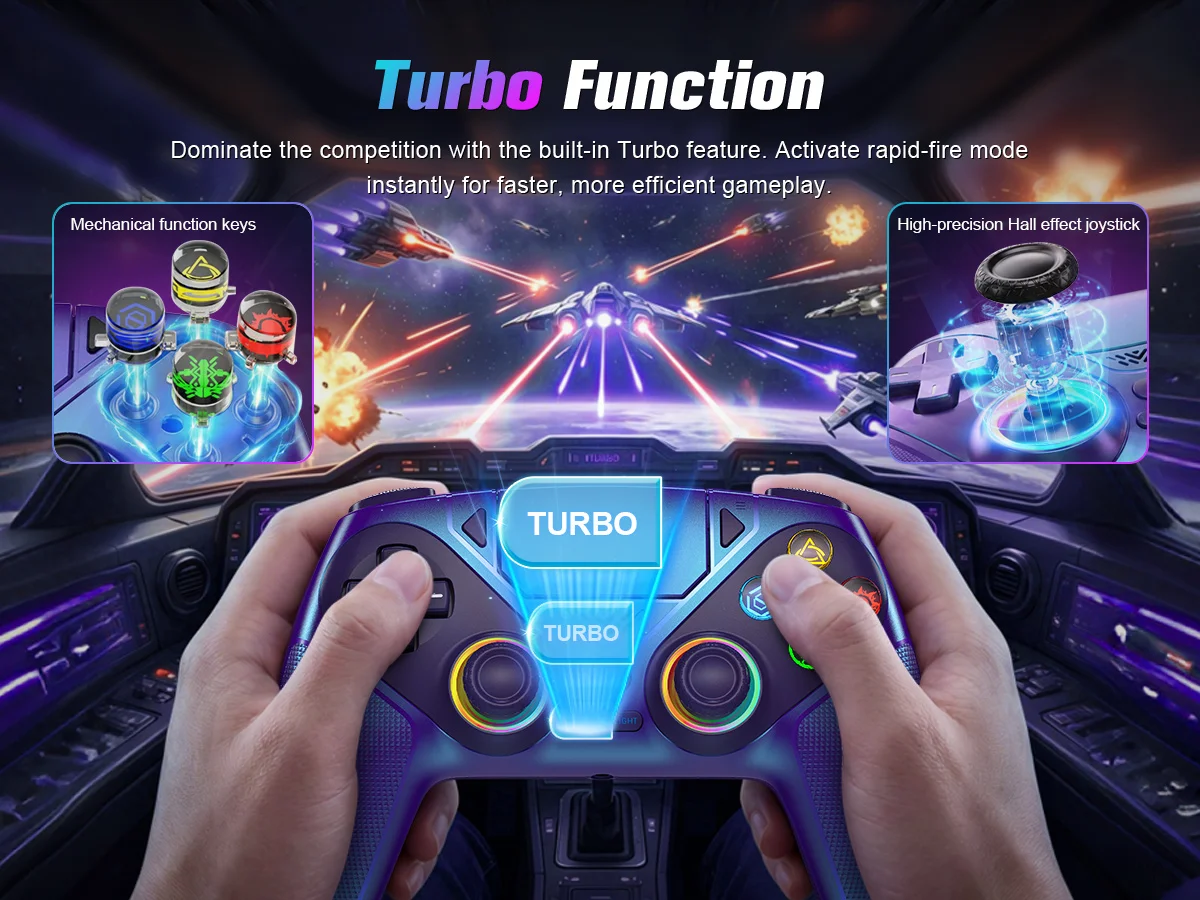

Product details

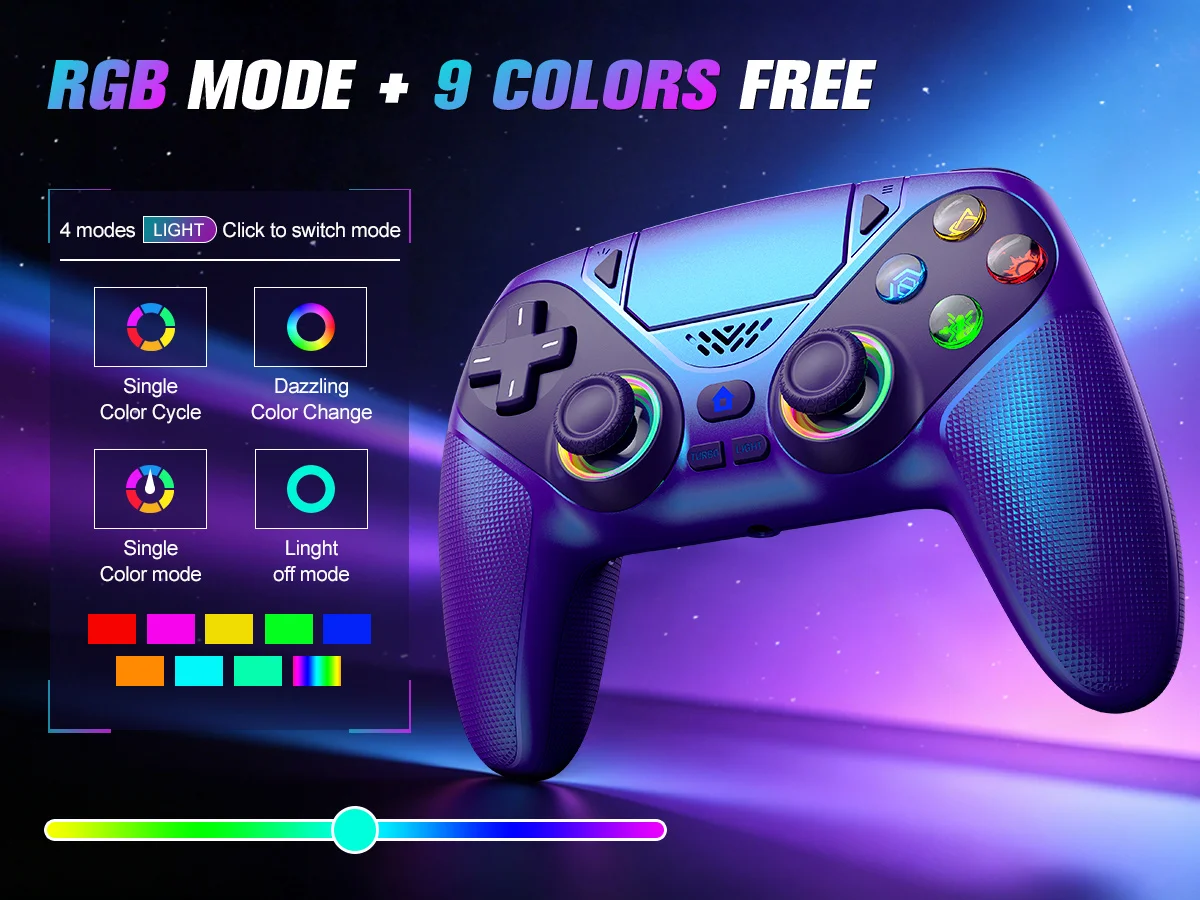
▶ Lighting mode:
Dazzling color Change
Single color Mode
Single color Cycle
Color memory funciton
Light off mode
▶Inside the Package:
PS-5 Controller*1
Type c data cable*1
User manual*1